
Tips for low-light phone photography
Low light is difficult because the camera has less light to work with. Phones compensate with longer exposures, higher sensitivity and computational processing, so steadiness and subject movement become especially important.
Before you start
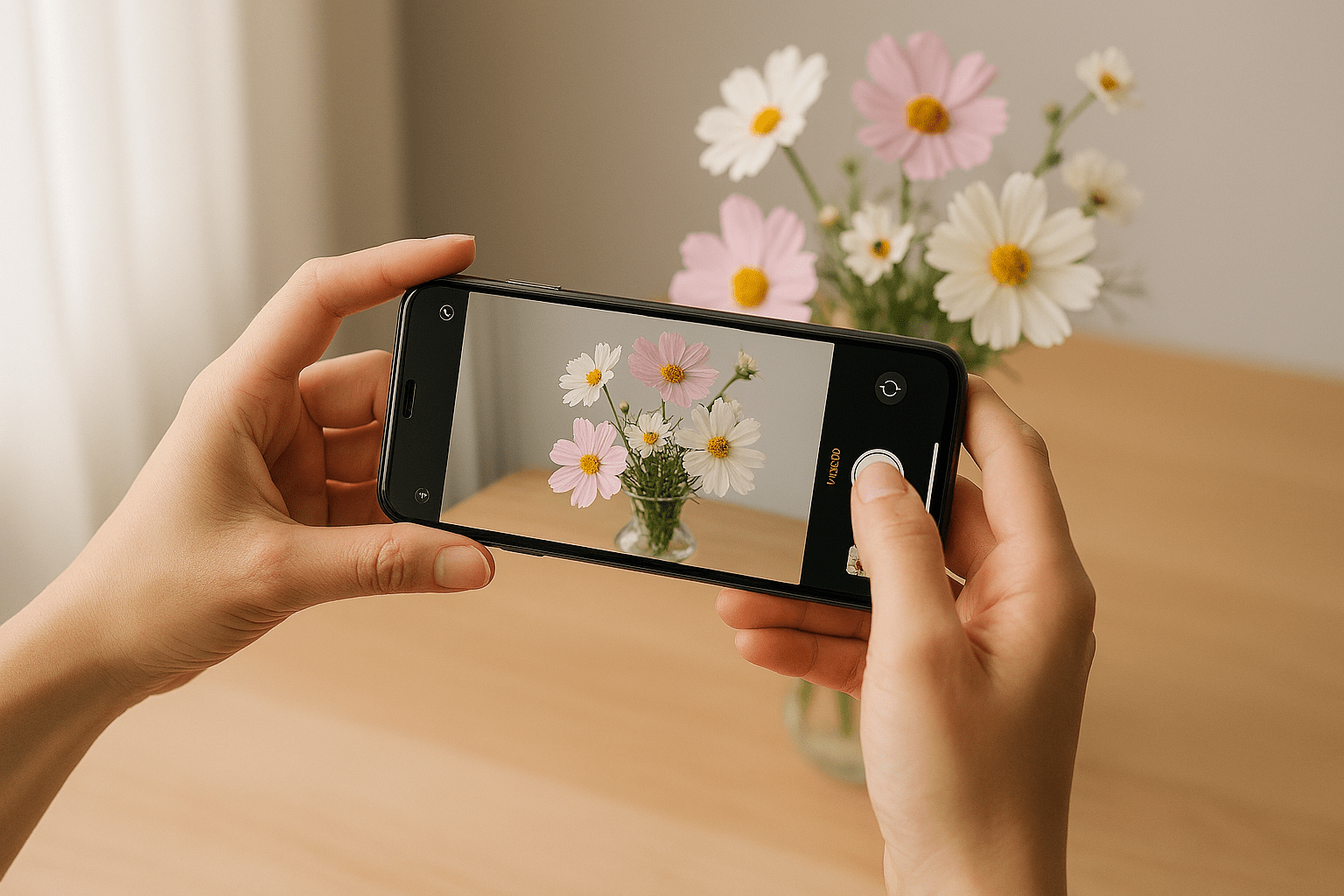
Have the camera or phone beside you while you read. Do not try to memorise the page. Find each control or try each idea as it is explained. If a term is unfamiliar, the explanation here matters more than remembering the name.
Keep the phone steady
Brace your hands, lean against something solid or rest the phone on a stable surface. Night mode may need you to hold still for more than an instant.
Give Night mode time
If the phone displays a countdown or capture indicator, keep still until it finishes.
Subject movement is different from camera movement
A steady phone cannot freeze a person who moves during a long exposure. Ask a posed subject to keep still or use more light.
Avoid unnecessary digital zoom
Low-light detail is already limited. Heavy digital zoom can make the result look worse.
Use available light intelligently
Move the subject nearer a window, lamp or illuminated sign rather than immediately reaching for a harsh direct flash.
Common mistakes
- Moving the phone as soon as the shutter is tapped.
- Using maximum zoom in a dark scene.
- Assuming every soft night photograph is a focusing problem.
- Brightening a severely underexposed file until noise and processing artefacts dominate.
What you should be able to do before moving on
You should see that adding light and stabilising the phone often improve the result more than simply applying a filter afterwards.
If that still feels uncertain, repeat the practical. There is no benefit in rushing to the next lesson with a gap in the basics.
OPEN THE PRACTICAL