Using the viewfinder vs. live view
Many cameras let you compose through a viewfinder or on the rear screen. Neither method is always better. Learning when each is useful makes the camera easier to handle.
Before you start
Have the camera or phone beside you while you read. Do not try to memorise the page. Find each control or try each idea as it is explained. If a term is unfamiliar, the explanation here matters more than remembering the name.
Viewfinder
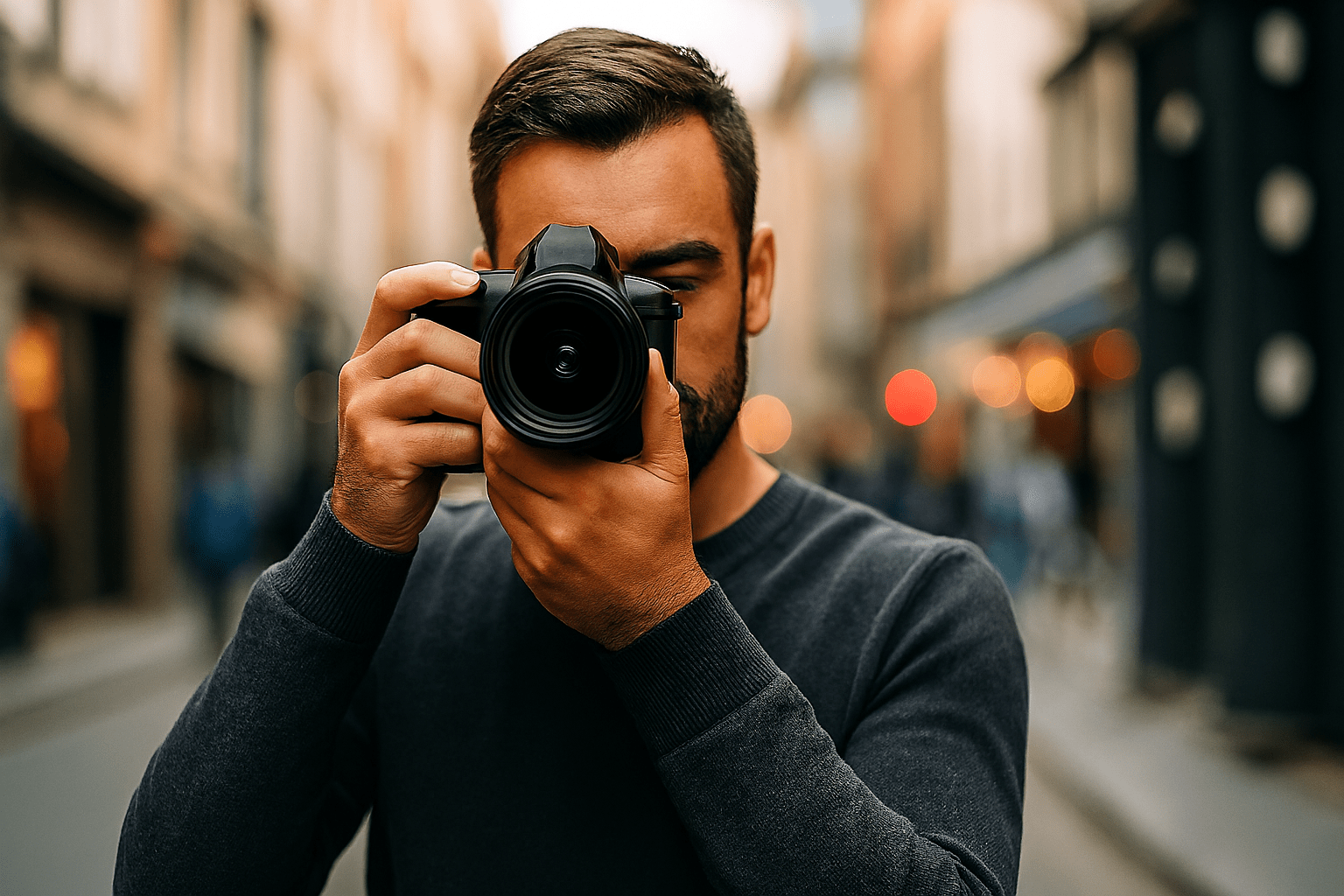
Holding the camera to your face gives it another point of support and can be useful in bright light. Optical and electronic viewfinders do not show the scene in exactly the same way.
Live view
The rear screen can be easier for low, high or awkward viewpoints. It can also be useful for magnified manual focusing and tripod work.
Electronic preview
A mirrorless electronic viewfinder or live-view screen may preview exposure, white balance and other processing. An optical DSLR viewfinder shows the scene optically instead.
Autofocus can behave differently
On some older DSLRs, autofocus through the optical viewfinder and autofocus in live view use different systems and can have different strengths.
Battery use
Keeping a screen or electronic viewfinder active uses battery power. The difference varies by camera.
Common mistakes
- Assuming the screen is always less professional.
- Holding the camera at arm's length when you could support it more securely.
- Forgetting that screen brightness can make a photograph look brighter or darker than the file really is.
What you should be able to do before moving on
You should be able to choose the viewing method because it helps the photograph, not because you think one is the 'proper' way.
If that still feels uncertain, repeat the practical. There is no benefit in rushing to the next lesson with a gap in the basics.
OPEN THE PRACTICAL