
Practical exercise
Adjusting brightness and contrast: try it yourself
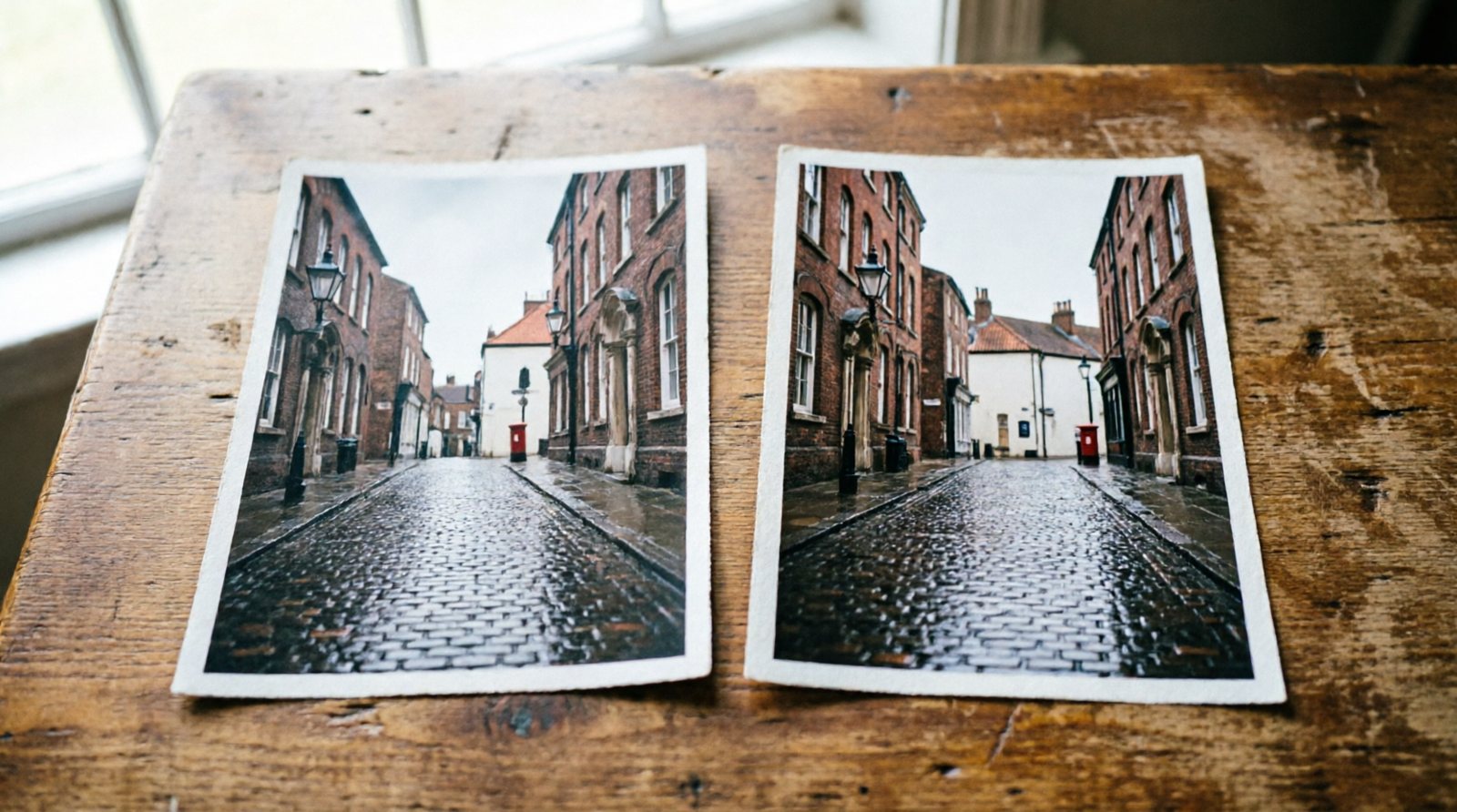
1. Recover Shadows
Lift shadows to reveal detail in dark areas.
2. Tame Highlights
Reduce highlights to restore sky or window detail.
3. Contrast for Pop
Increase contrast slowly and watch both the highlights and shadows. Stop before important detail is lost. More contrast can add separation, but it does not automatically improve every photograph.
4. Flat for Moody
Reduce contrast and compare the result with the original. Lower contrast can create a softer tonal range, but whether it feels atmospheric or simply flat depends on the photograph.
5. Before/After Toggle
Toggle between the edited and original versions at the same size. If the edit only looks better because it is more extreme, reduce it and compare again.