
Practical exercise
Basic colour correction: try it yourself
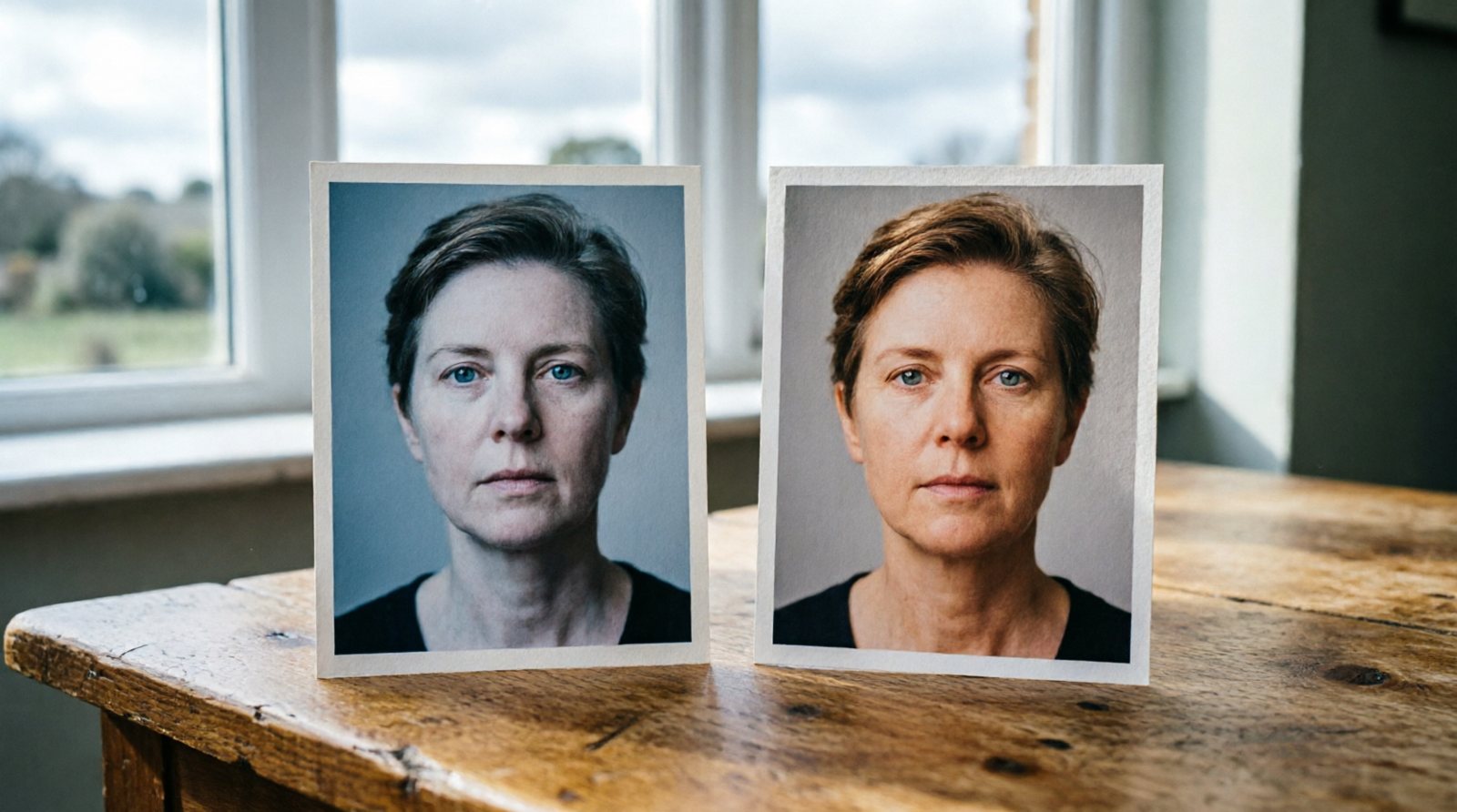
1. White Balance Picker
Use the white-balance picker on a genuinely neutral grey or white area if your editor provides one. Then compare the result with Auto and adjust by eye if the supposedly neutral correction does not suit the scene.
2. Skin Tone Check
Zoom in; skin should be natural, not orange or green.
3. Colour Temperature
Warm (yellow) for cosy, cool (blue) for crisp.
4. Tint Adjustment
Use the tint control on a photograph with a green or magenta cast. Move it in both directions first so you can see what the control changes, then return to a believable result.
5. Match Photos
Make two photos from same shoot look consistent.