
Practical exercise
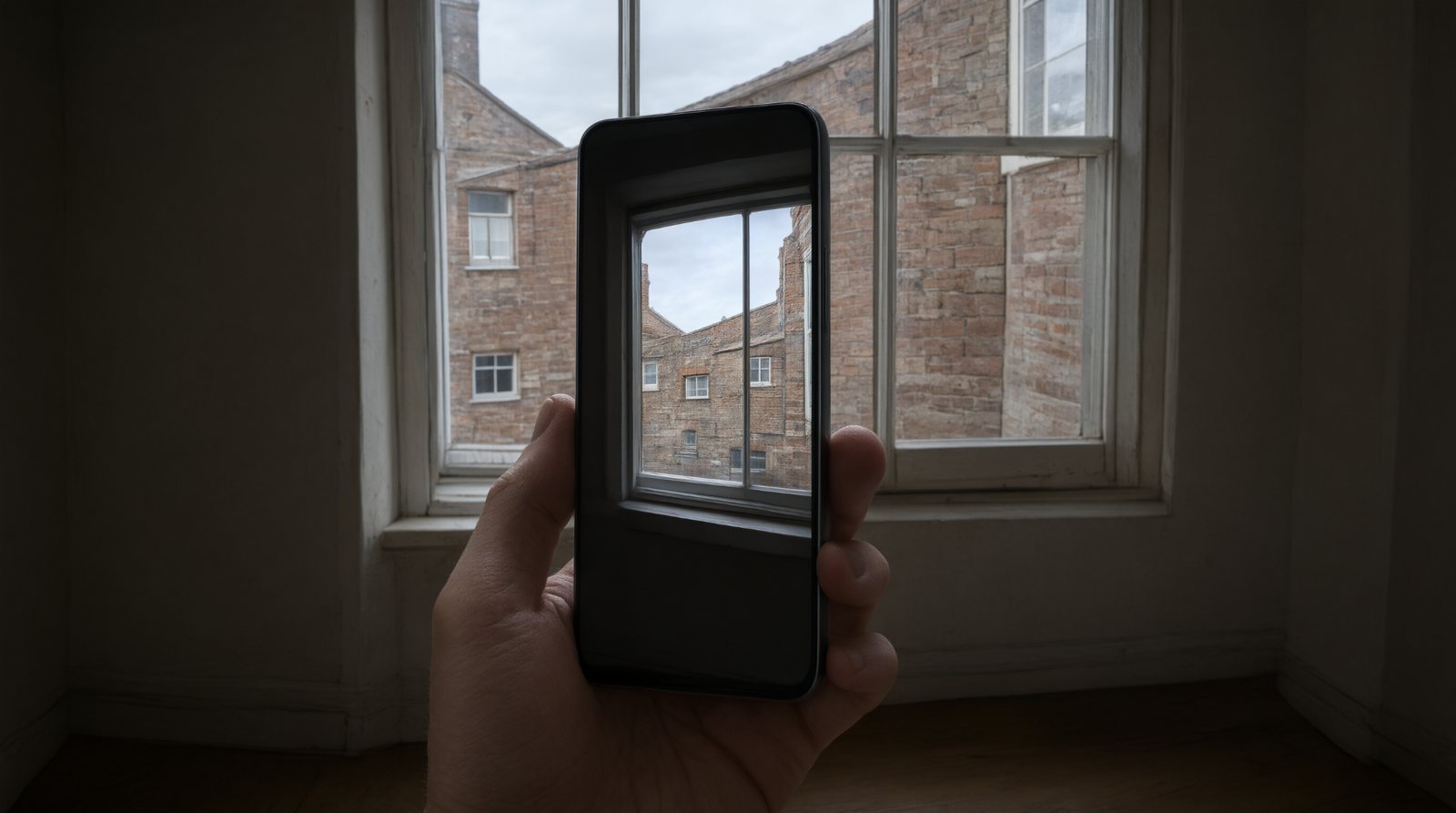
Capturing HDR on your phone: try it yourself
Aim
You should understand the problem HDR solves even if your particular phone performs the process automatically.
Do this step by step
- Find a scene with a bright window or sky and darker foreground.
- Tap on the main subject and take the normal photograph.
- If your phone offers an HDR control, make a second version with it enabled. If HDR is automatic, simply note that and continue.
- Make another version with the exposure reduced slightly to protect bright highlights.
- Compare sky/highlight detail and shadow detail rather than saturation.