
Practical exercise
Checking sharpness on your LCD screen: try it yourself
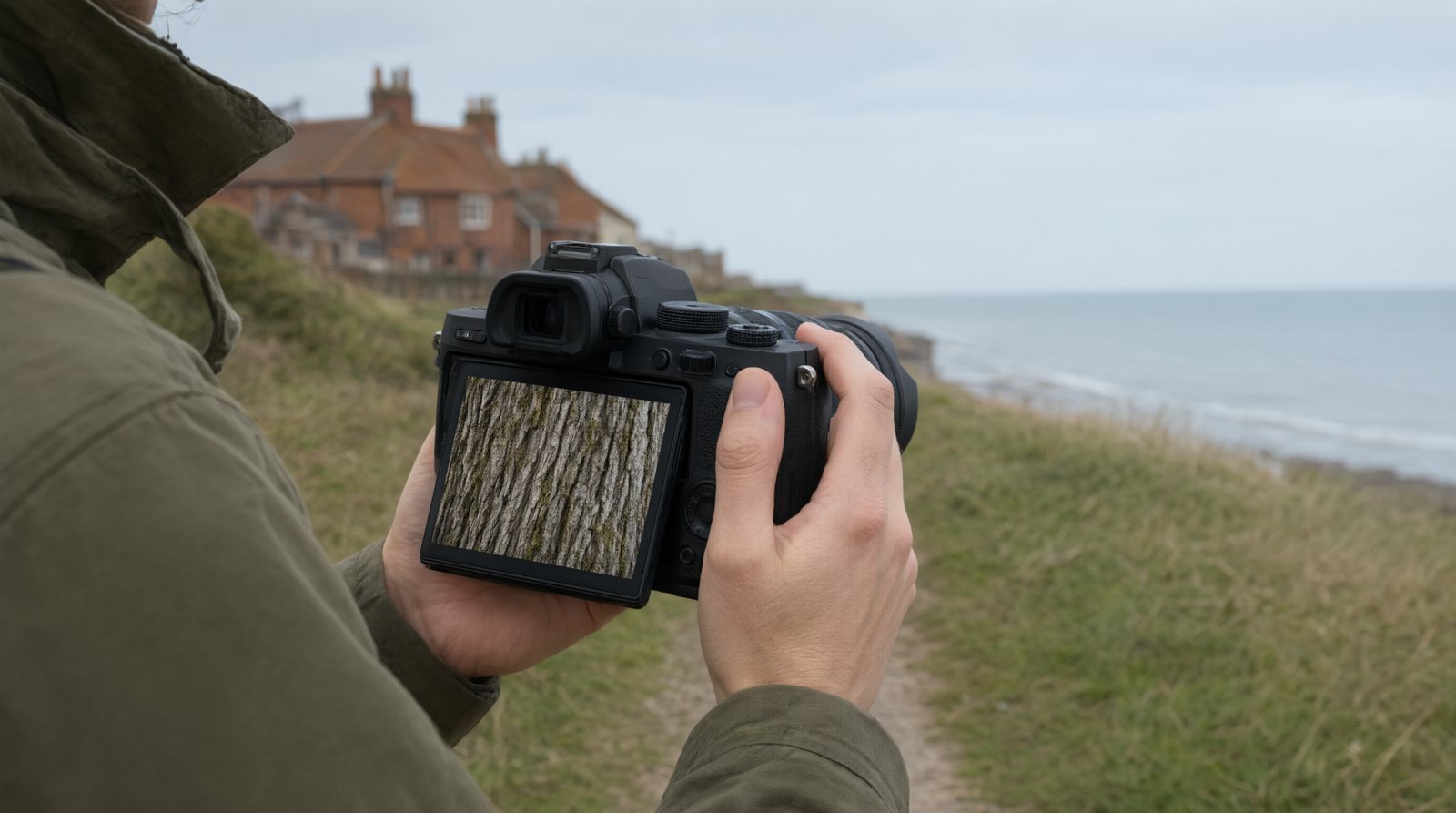
1. Magnify Habit
After every shot, zoom in to 100% on key area (e.g., eye).
2. Blur Detective
Choose three photographs that look sharp at normal screen size. Zoom in on the detail that matters and check whether focus really landed where you expected. Notice how a small screen can hide slight blur.
3. Focus Fail Log
Note why photo is blurry; missed focus? Camera shake?
4. Histogram + Sharpness
Check exposure and sharpness together in review.
5. Screen Brightness
Set LCD to mid-level; too bright hides exposure/sharpness issues.