
Practical exercise
Converting to black and white: try it yourself
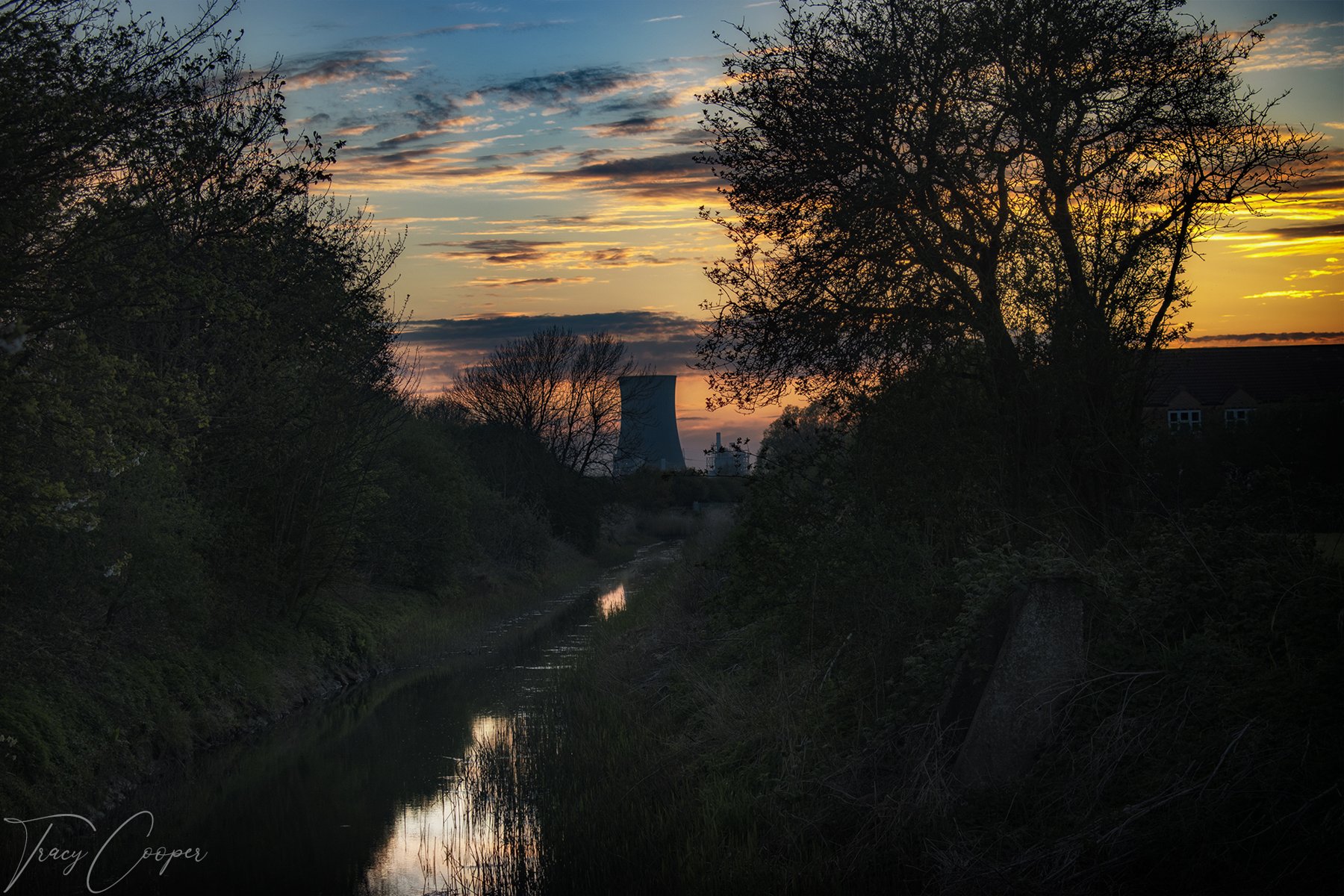
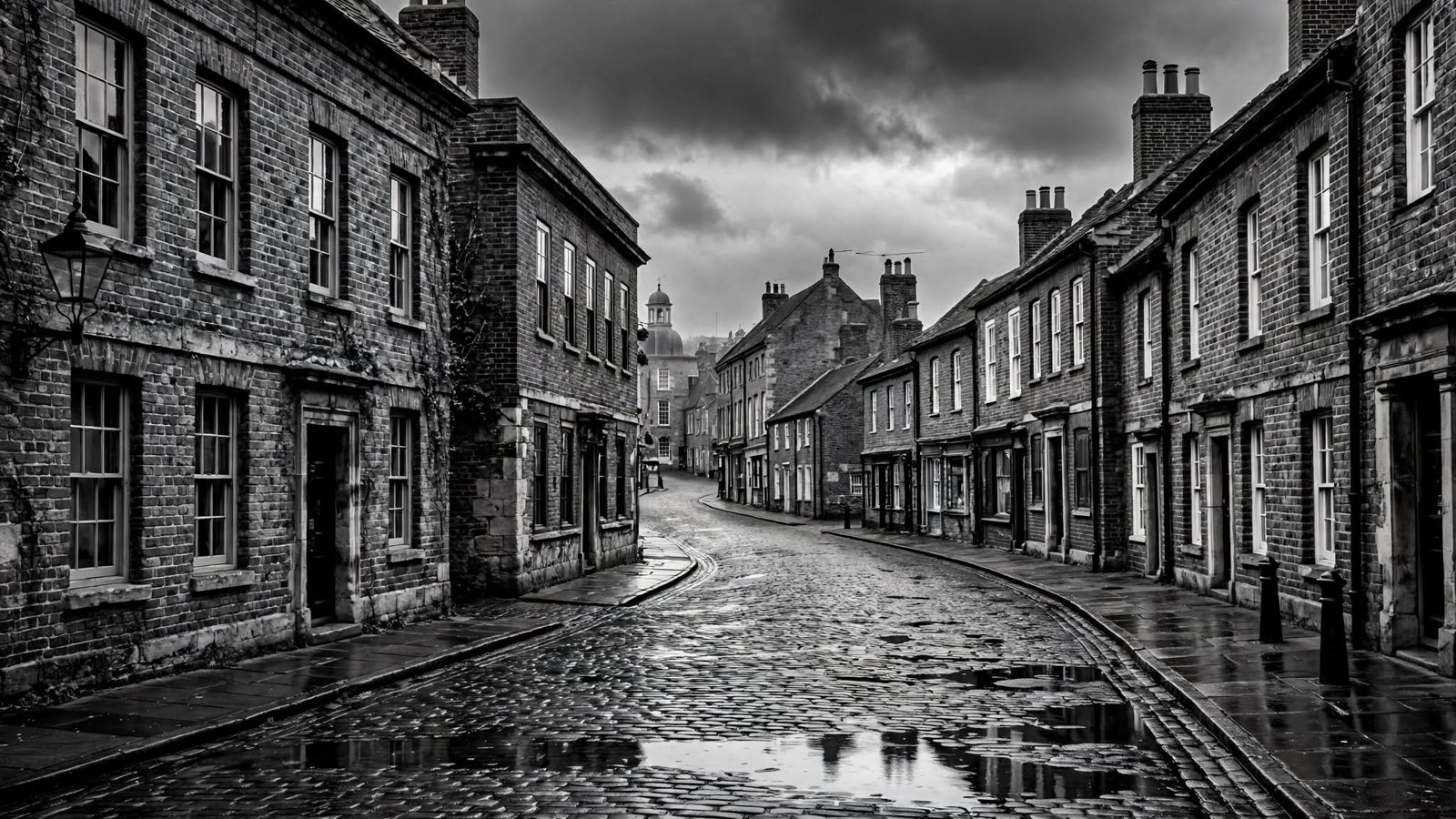
1. B&W Mix
Use colour sliders (e.g., darken blue sky, lighten skin).
2. Contrast is Key
Convert a photograph to black and white, then try both lower and higher contrast. Decide which version suits the subject. Black-and-white photographs do not all need strong contrast.
3. Texture Focus
Convert photo with rich textures (brick, fabric, hair).
4. Emotion Boost
Try a black-and-white conversion on a portrait or quiet scene and compare it with the colour original. Decide whether removing colour strengthens the photograph or removes useful information.
5. Avoid Flat
If colour photo is dull, B&W may not save it; check first.