
Lesson 26 of 100
Creating background blur (bokeh)
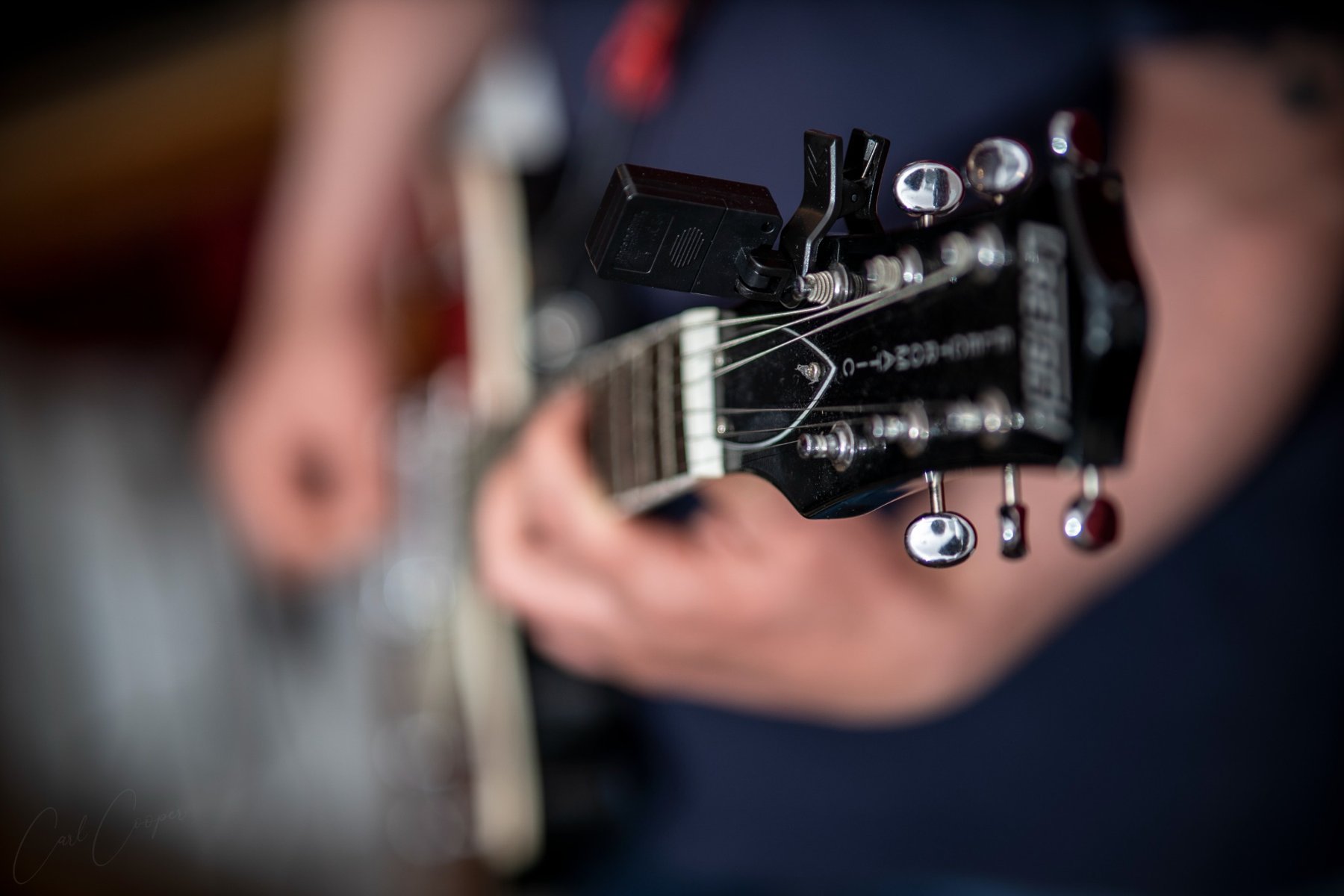


No prior knowledge needed. Keep your camera or phone beside you and try each control or idea as it appears. The aim is understanding, not memorising terminology.
What aperture actually is
Inside many lenses is an adjustable opening called the aperture. It is described with f-numbers such as f/2.8, f/5.6 and f/11. The confusing part is worth learning early: the smaller f-number represents the larger opening.
What it changes
Aperture affects the amount of light passing through the lens and also contributes to depth of field. A large aperture can make shallow depth of field easier; a small aperture can make more of the scene appear acceptably sharp. Distance, focal length and sensor size also affect the result.
Where to change it
Use Aperture Priority, normally A or Av, or Manual mode. Your lens sets the available range. If the lowest number changes when you zoom, you probably have a variable-aperture zoom and nothing is wrong.