
Practical exercise
Depth of field preview button: try it yourself
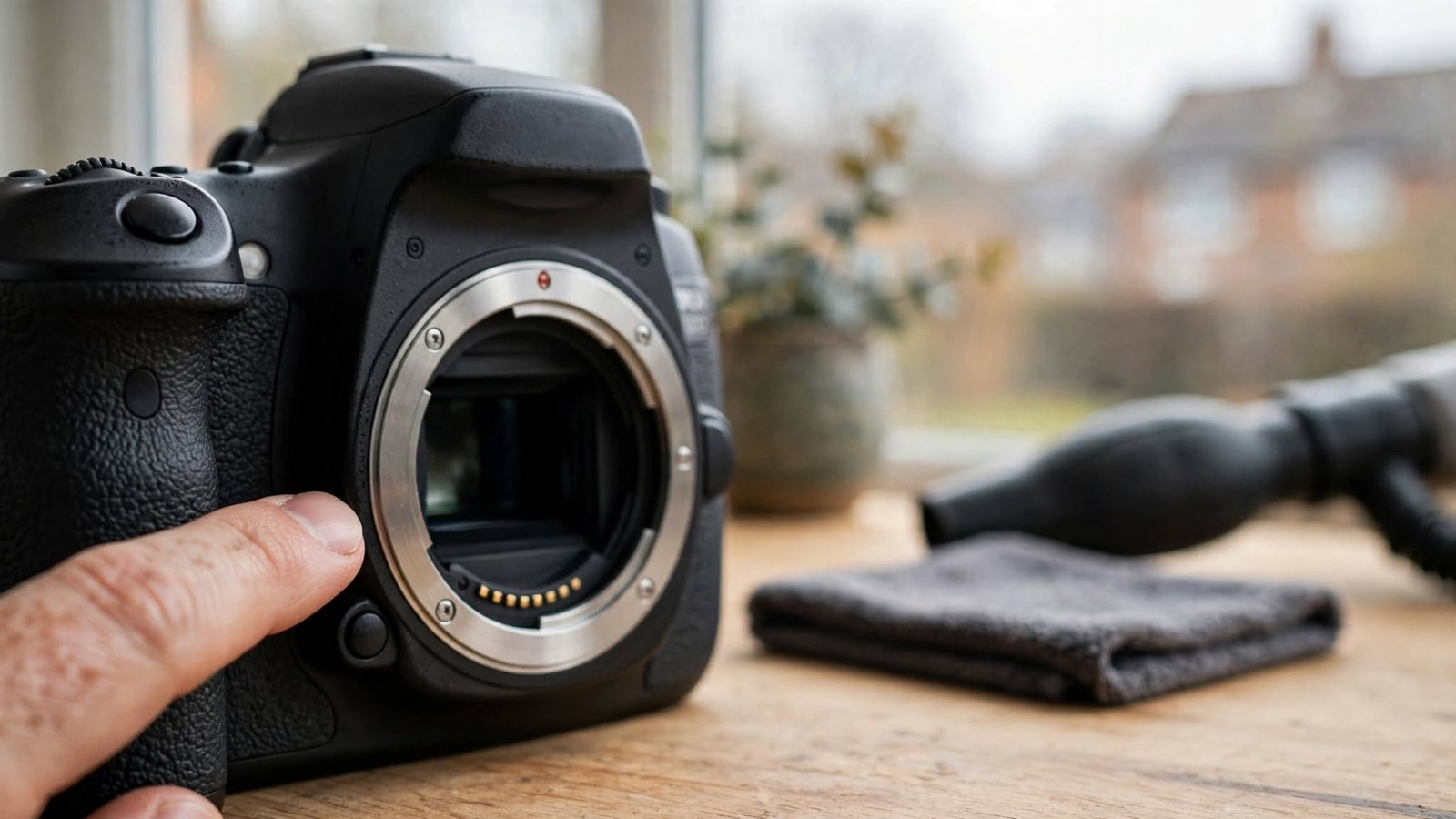
1. DoF Preview
Press DoF button; see background blur live (may darken viewfinder).
2. Aperture Check
At f/16, preview; see if foreground/background both sharp.
3. Blur Confirmation
At f/2.8, preview; confirm background melts away.
4. Low-Light Challenge
Preview in dark; hard to see, but confirms DoF.
5. Alternative
If no DoF button, take test shot; review on LCD instead.