
Free vs. paid editing software: try it yourself
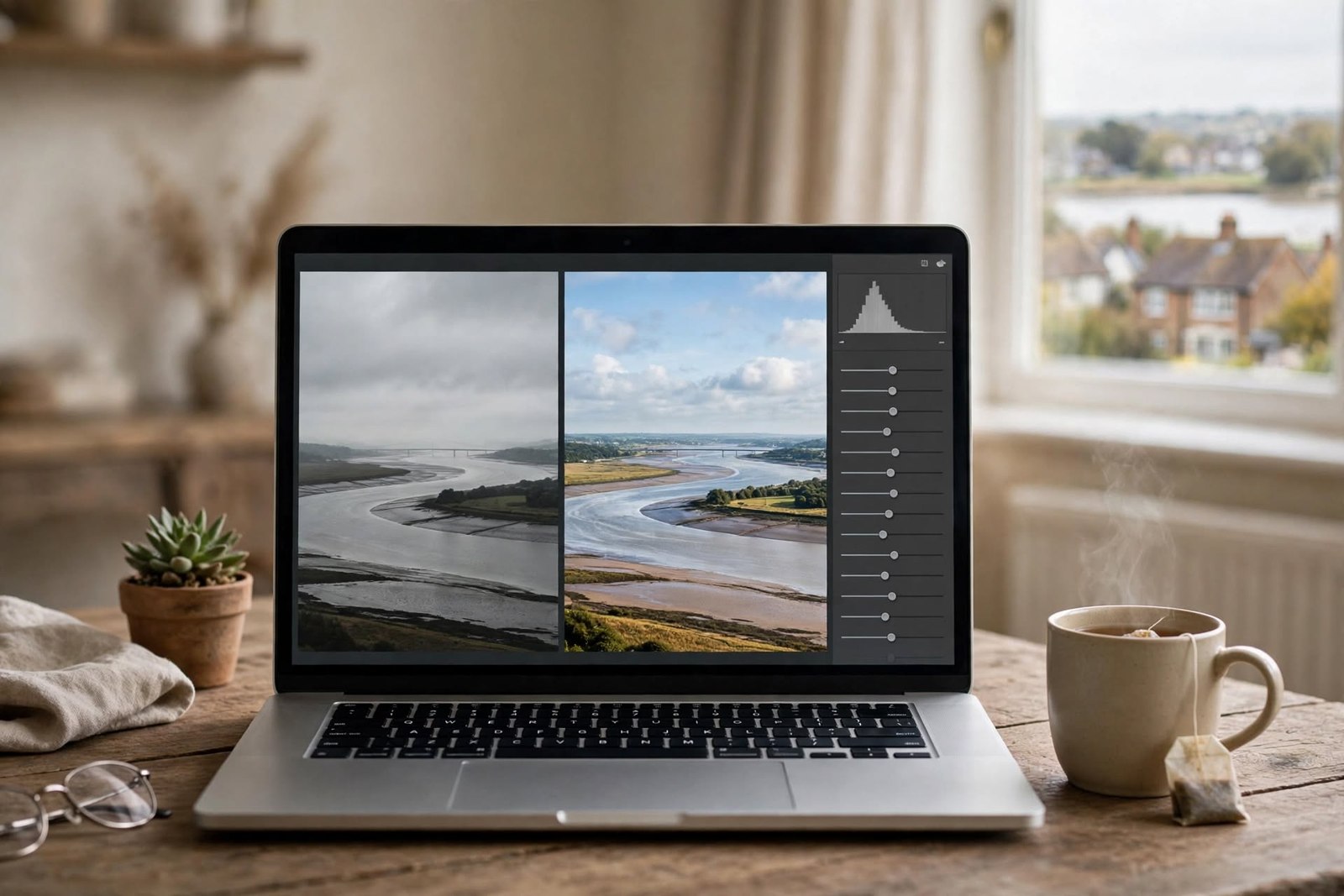
1. List what you actually do
Write down the editing jobs you use now or expect to use: RAW processing, cropping, colour correction, masking, cataloguing, printing or mobile editing. Ignore features you do not need.
2. Test one photograph
Edit the same photograph in a free editor and, if available to you, a paid trial. Try to produce the same result rather than different styles.
3. Compare the workflow
Notice which program is easier to understand, whether it supports your files, how quickly it runs and whether you can return to the original without damage.
4. Check the real cost
Look at the developer’s current price and licence terms. Work out the cost over the period you would realistically use it. Do not rely on an old article for subscription prices.
5. Decide from the gap
If the free software does everything you need comfortably, you have no reason to pay. If a paid tool removes a repeated limitation, you now know what you would be paying for.