
Practical exercise
Introduction to photo editing: try it yourself
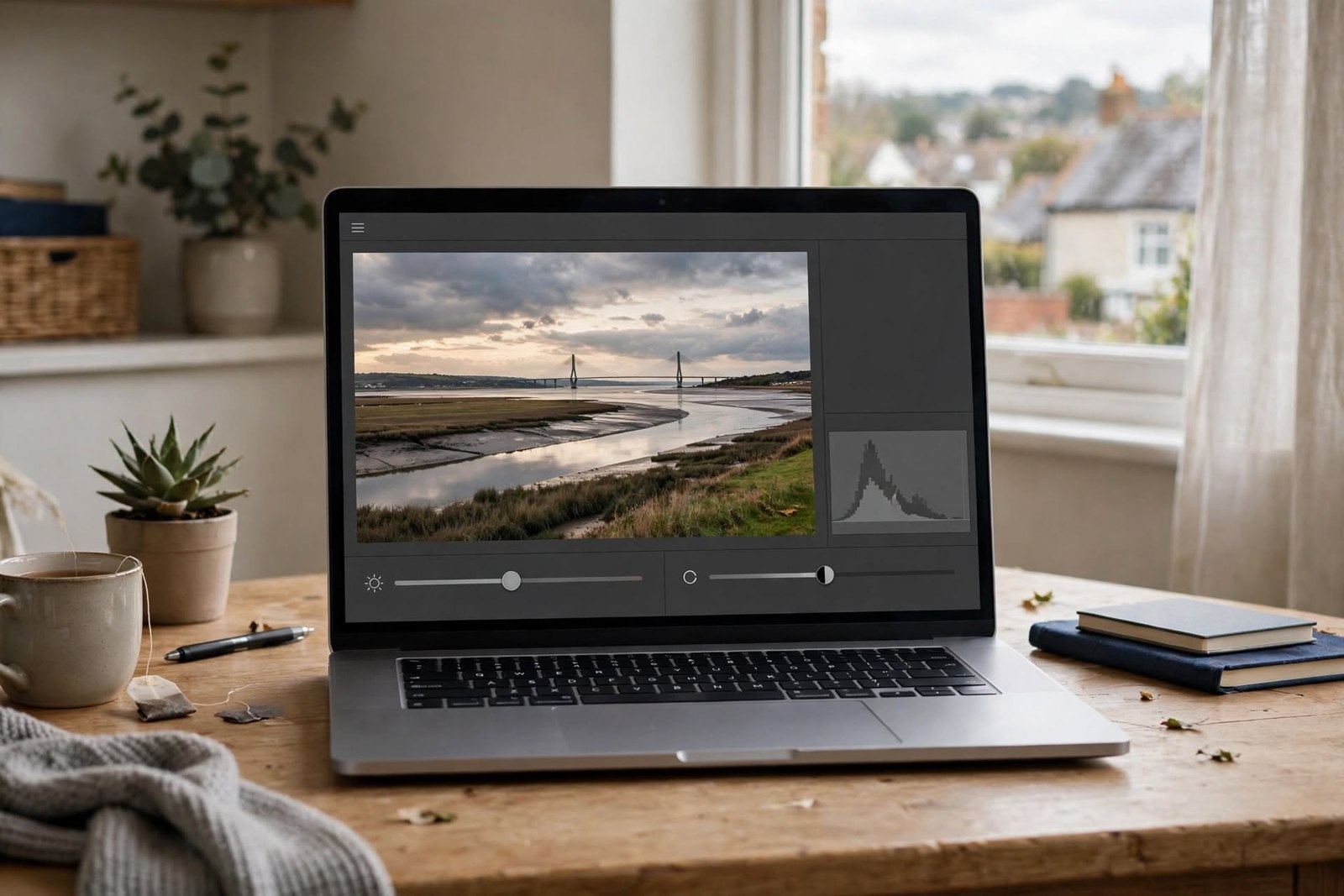
1. One-Click Fix
Use “Auto” in Lightroom; see if it improves photo.
2. Crop for Impact
Remove distractions; tighten composition.
3. Exposure Slider
Fix too dark/too bright; recover details.
4. Vibrance vs. Saturation
If your editor has both vibrance and saturation, move each control separately and compare the effect. Their behaviour varies by software, so judge the photograph rather than assuming one control is automatically safer for skin tones.
5. Edit & Revert
Always compare to original; avoid over-processing.