
Today we are going to learn about something that sounds ridiculously simple but is actually more important than you might think: turning your camera on and off safely. I know, you are probably thinking “Seriously? I have been turning things on and off since I was three.” But stick with me, because your camera is not a light switch, and treating it like one could lead to corrupted memory cards, lost photos, or even a camera that refuses to wake up one morning.
Let me tell you about the time a friend corrupted an entire wedding shoot because he was in a rush and powered down his camera while it was still writing to the card. Thirty minutes of pure panic later, He learned his lesson. Hopefully, you can learn from his mistakes without the stress.
Why the power button matters more than you think
Your camera is essentially a small computer. When you press that shutter button, it does not just snap a picture and call it a day. It captures data, processes it, compresses it into a file format, and then writes that file onto your memory card. This whole process takes a few seconds, sometimes longer if you are shooting in burst mode or capturing RAW files.

If you yank the power away mid-write, it is like pulling the plug on your laptop while it is saving a document. The file might be incomplete, corrupted, or it might not be there at all. Worse still, you could damage the file structure of the entire memory card, turning it into a digital brick.
Turning your camera on: the right way
Let’s start with the easy bit, getting your camera ready for action. Different cameras have slightly different power switches, but they all follow similar principles.
Step one: check your memory card and battery
Before you even touch the power button, make sure your memory card is properly seated and your battery has enough charge. Most cameras will not turn on if the battery is completely flat (obviously) but some might try and then give up halfway through the startup process, which is not ideal.
Give your memory card a gentle press to ensure it clicks into place. If you are using a camera with dual card slots, decide which slot you want to use as your primary. This little check takes five seconds and saves you from that sinking feeling when you realise you have been shooting to nowhere.
Step two: locate your power switch
Most cameras have their power switch in one of three places: around the shutter button, on the top plate, or on the back near the mode dial. It usually has a clear on/off marking or might be combined with a mode dial that you turn past a click point.
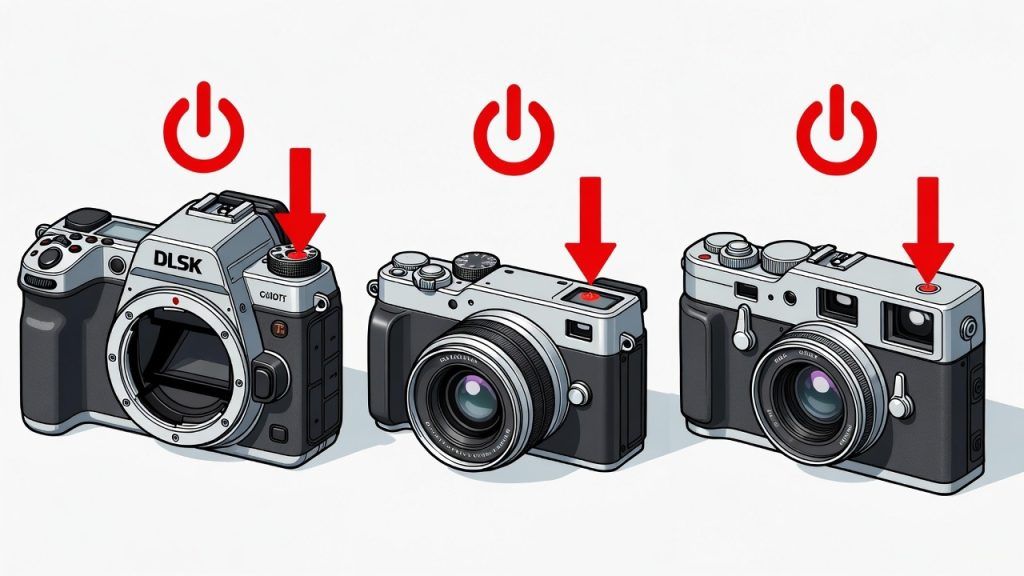
Familiarise yourself with its location now, while you are calm and not rushing to catch a shot. Muscle memory is your friend here. Practice turning it on and off a few times while looking at the camera, then try it without looking. Soon, you will be able to do it blindfolded (though I am not sure why you would need to).
Step three: the gentle press and hold
When you are ready to turn on, press and hold the power switch firmly but gently until you see the screen light up or hear a beep. Most cameras take a second or two to fully wake up. You might see your manufacturer’s logo appear, then the main display. Do not press the shutter button or any other controls until the camera has finished its startup sequence.
If your camera has an electronic viewfinder, give it an extra moment to initialise. Rushing this process can sometimes cause the camera to hang or start up in a weird mode. Patience, my friend. Photography is all about waiting for the right moment anyway.
Turning your camera off: where most people get it wrong
This is where the magic happens. Or where the disasters happen, depending on your technique. Turning off safely is more important than turning on, because this is when your camera is trying to save all its hard work.
Step one: stop shooting and wait
Before you even think about powering down, stop taking pictures. Take your finger off the shutter button and look at the memory card activity light. This little LED is your best friend. It is usually on the back of the camera or near the card slot.
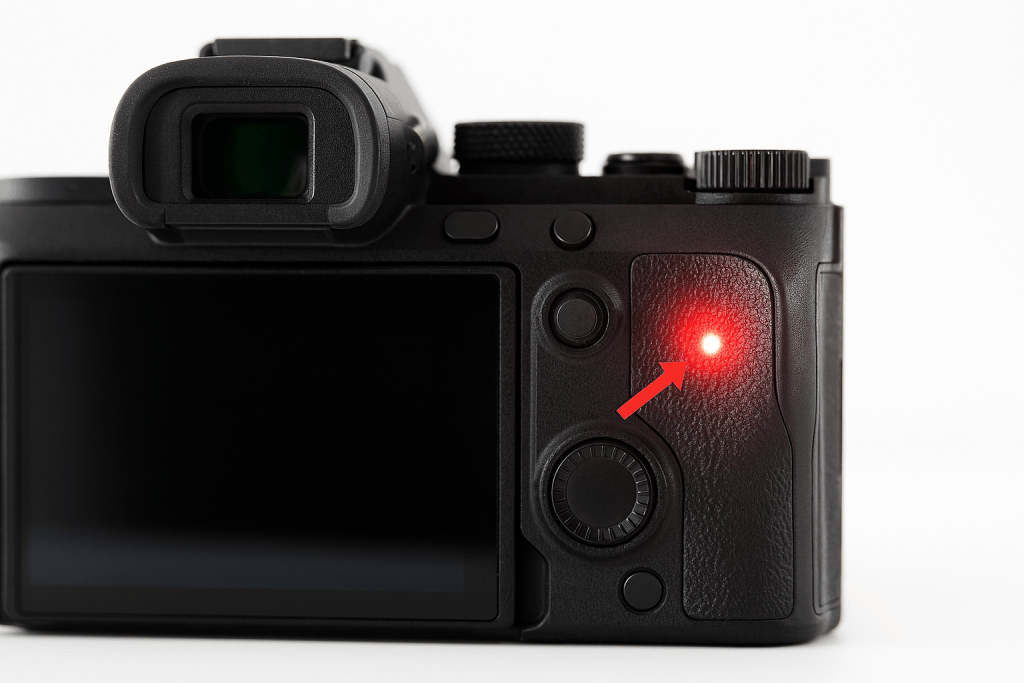
If it is blinking or lit up, your camera is either writing to the card or reading from it. Wait until it stops completely. This could be anywhere from one second to thirty seconds, depending on how many shots you just fired off in burst mode.
I know you are in a rush. I know the light is taking forever. Wait anyway. Your photos are worth more than the thirty seconds you are trying to save.
Step two: turn the power switch off
Once the activity light is steady (or off completely), flip your power switch to the off position. Hold it until the screen goes black. Some cameras will show a “shutting down” message or a progress bar. Again, give it a moment to complete this process.
During shutdown, your camera is doing important housekeeping: closing files properly, updating the file index on your memory card, and parking the sensor in a safe position. Interrupting this is like slamming the door on your way out of a library. Rude, and potentially damaging.
Step three: wait before removing the battery or card
Even after the screen is black, give it another five seconds before you open the battery door or eject the memory card. Some cameras continue background processes for a moment after the screen goes dark. This is a good time to put your lens cap back on or check your settings for next time.
Common mistakes that will bite you later
Let’s talk about the things we have all done but know we should not. I am not judging; I’ve seen every single one of these.
Mistake one: battery panic
You are out shooting, your battery indicator flashes red, and in a mad panic you yank the battery out to swap in a fresh one. I get it, you do not want to miss the shot. But if you do this while that activity light is blinking, you are playing Russian roulette with your images.
Instead, when you see the low battery warning, stop shooting. Let the camera finish writing, then power down normally before swapping batteries. Keep a spare in your pocket so you are always prepared.
Mistake two: the card eject button
Some cameras have the memory card eject button right next to other buttons. It is surprisingly easy to hit it by accident when fumbling in your bag. If you hear that little click and the card pops out while you are shooting, do not panic. Turn the camera off immediately, push the card back in until it clicks, then turn it back on.
Your camera might grumble at you with an error message. Usually, a restart fixes everything. If not, you might need to reformat the card (after recovering any files, of course).
Mistake three: auto power save confusion
Many cameras have an auto power-off feature to save battery. After a few minutes of inactivity, the camera goes to sleep. This is not the same as turning it off properly. The camera is still drawing a small amount of power and has not closed all its files.
If you plan to pack your camera away for more than an hour, turn it off properly using the power switch. Auto power save is for coffee breaks, not for packing away in your bag.
Different cameras, different quirks
Not all cameras are created equal. Here is a quick guide to the main types you might encounter.
DSLR cameras
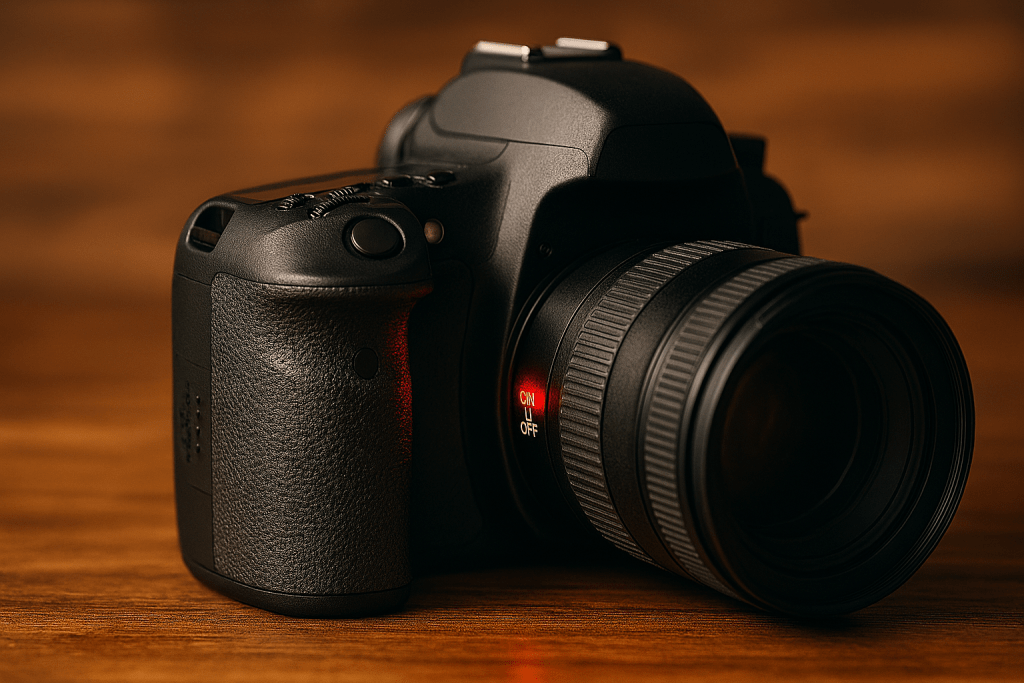
The power switch usually surrounds the shutter button or sits on the top left. When you turn off a DSLR, you will often hear a satisfying click as the mirror flips down and locks into place. This is normal. It is the camera putting its mechanical bits to bed.
Mirrorless cameras
These are often quicker to start up and shut down because they have fewer moving parts. The power switch might be a simple button on the back or side. Some high-end mirrorless cameras never truly turn off unless you remove the battery; they just go into a deep sleep mode. This is fine, but it means you should still follow the proper shutdown sequence.
Compact point-and-shoot cameras
These often have a sliding power switch rather than a button. Slide it firmly to the on position and wait for the lens to extend fully. When turning off, wait for the lens to retract completely before putting it in your pocket or bag. Forcing the lens while it is moving is an expensive mistake.
What to do if something goes wrong
Sometimes, despite your best efforts, things go sideways. Maybe your camera froze mid-shutdown, or you accidentally pulled the card too soon. Here is your action plan.
If your camera will not turn on, try removing the battery, waiting ten seconds, then putting it back in. This is the camera equivalent of “turn it off and on again” and it works more often than you would think.
If your memory card is showing errors, stop using it immediately. Do not keep shooting, do not format it. Use a card reader and recovery software to get your files off, then format the card in your camera (never in your computer) before using it again.
If you have lost photos due to improper shutdown, all is not necessarily lost. Turn off the camera, remove the card, and use recovery software on your computer. Many programs can rebuild partially written files. It is not guaranteed, but it is worth a try before you give up hope.
Building good habits from day one
Like all good photography habits, safe power management becomes second nature with practice. Make it part of your pre-shoot and post-shoot routine. Check card, check battery, power on. Wait for activity light to stop, power off, wait five seconds, pack away.
Teach these steps to anyone who borrows your camera. I have a simple rule in my house: if you want to use my camera, you have to show me you can turn it on and off safely first. My kids learned this when they were young. If they can do it, so can you.
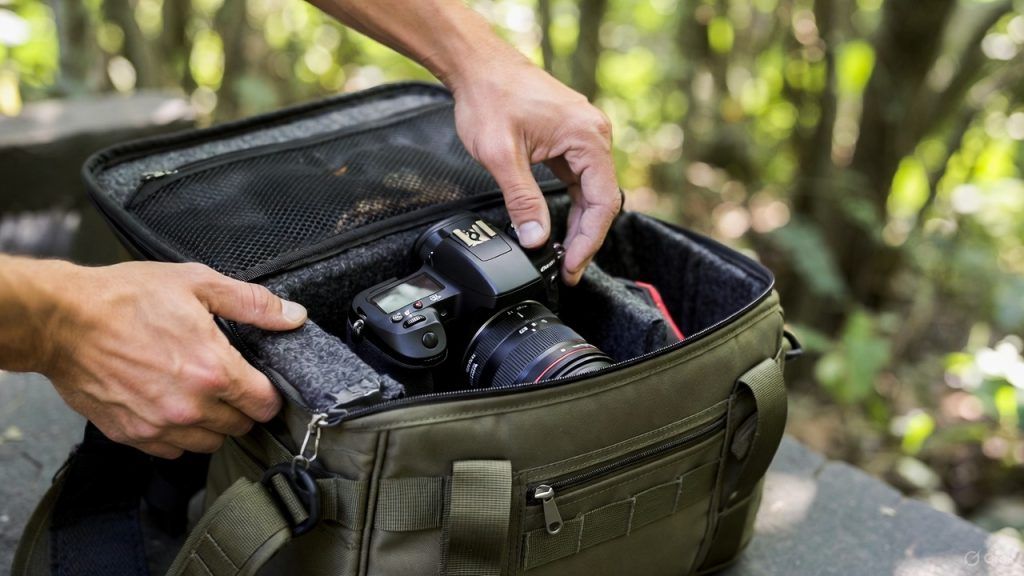
Photography is about capturing moments, but it is also about respecting your tools. That power switch is the gateway to every image you will ever take. Treat it with the same care you give to composing your shots, and it will serve you well for years to come.
Now go and practice. Turn your camera on, take a few shots of whatever is in front of you, then turn it off properly. Do it five times. By the end, you will be doing it without thinking, and that is exactly where you want to be.
Happy shooting, and may your memory cards never corrupt and your batteries always be charged.