
Camera parts and functions explained
A camera can look complicated because manufacturers put a lot of controls into a small space. You do not need to memorise every button. Start by learning the handful of parts you will use constantly.
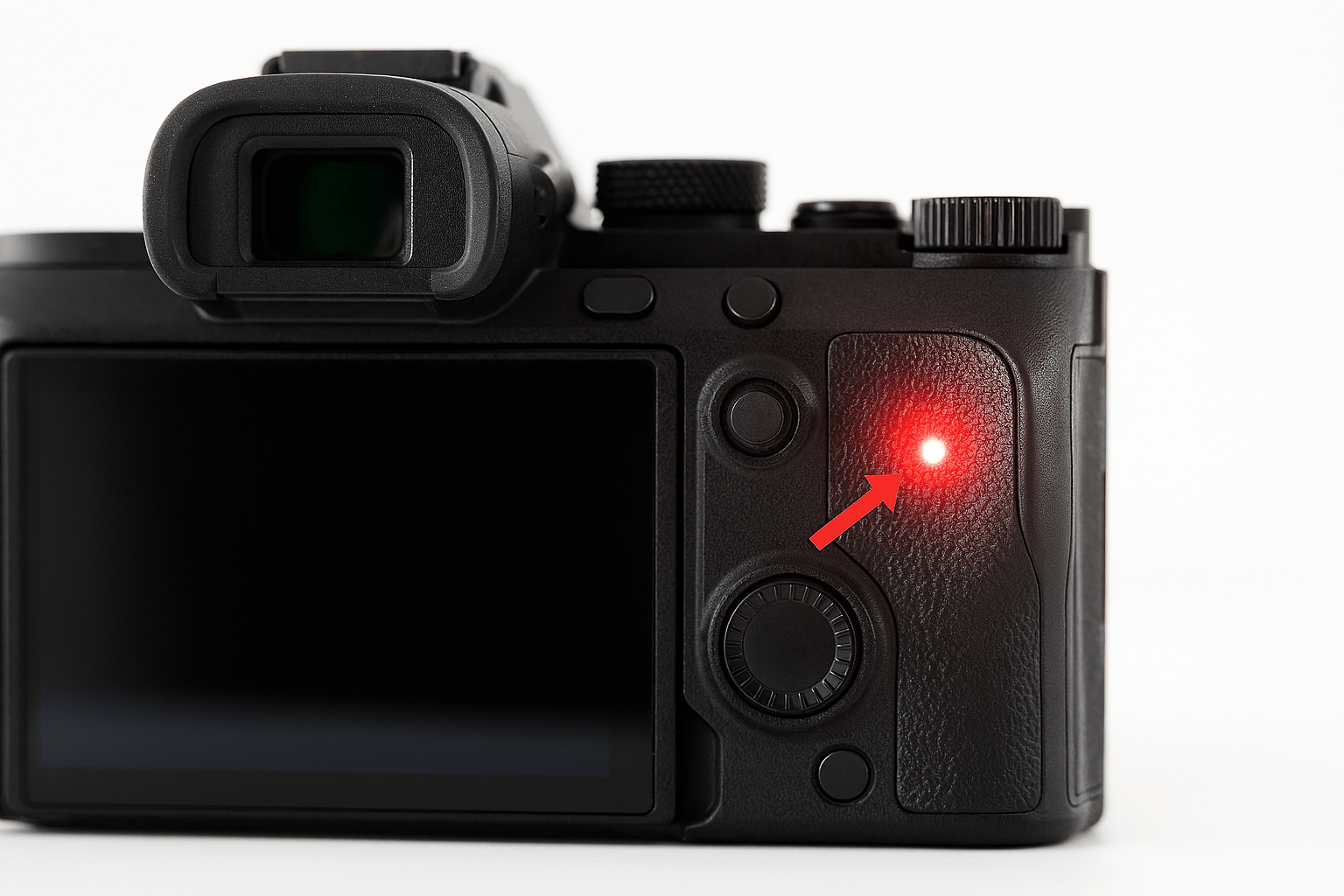
Before you start
Have the camera or phone beside you while you read. Do not try to memorise the page. Find each control or try each idea as it is explained. If a term is unfamiliar, the explanation here matters more than remembering the name.
Shutter button
This is the button you press to take a photograph. On many cameras a half-press asks the camera to focus and meter the scene; pressing fully takes the picture.
Lens
The lens gathers and focuses light onto the camera's sensor. If you have a zoom lens, turning its zoom ring changes how much of the scene fits in the frame. A separate focus ring may be present too.
Viewfinder and rear screen
These are the two common ways to compose a photograph. Some cameras have both; some have only a screen. An optical DSLR viewfinder and an electronic mirrorless viewfinder behave differently, but both help you decide what is inside the frame.
Mode dial
If fitted, this chooses how much control the camera gives you. Auto is useful while learning the physical controls. Later you will meet P, A or Av, S or Tv, and M.
Control dials and buttons
These change settings. Their exact job depends on the camera mode. Do not worry if your camera has fewer dials than the photograph in this lesson.
Battery and card compartments
The battery supplies power and the memory card stores your photographs. Some cameras put both behind one door.
Hot shoe, ports and tripod socket
A hot shoe can accept compatible accessories such as a flash. Side ports may handle USB, HDMI, microphones or headphones. The threaded socket underneath allows the camera to be attached to a tripod plate.
Common mistakes
- Trying to memorise the name of every button before taking photographs.
- Turning controls at random and then not knowing what changed.
- Forcing doors, plugs, lenses or cards.
- Assuming the same button is in the same place on every camera.
What you should be able to do before moving on
You do not need to remember every label. You should simply be able to pick up the camera and locate the main controls without hunting for them.
If that still feels uncertain, repeat the practical. There is no benefit in rushing to the next lesson with a gap in the basics.
OPEN THE PRACTICAL