
Lesson 84 of 100
Adjusting brightness and contrast
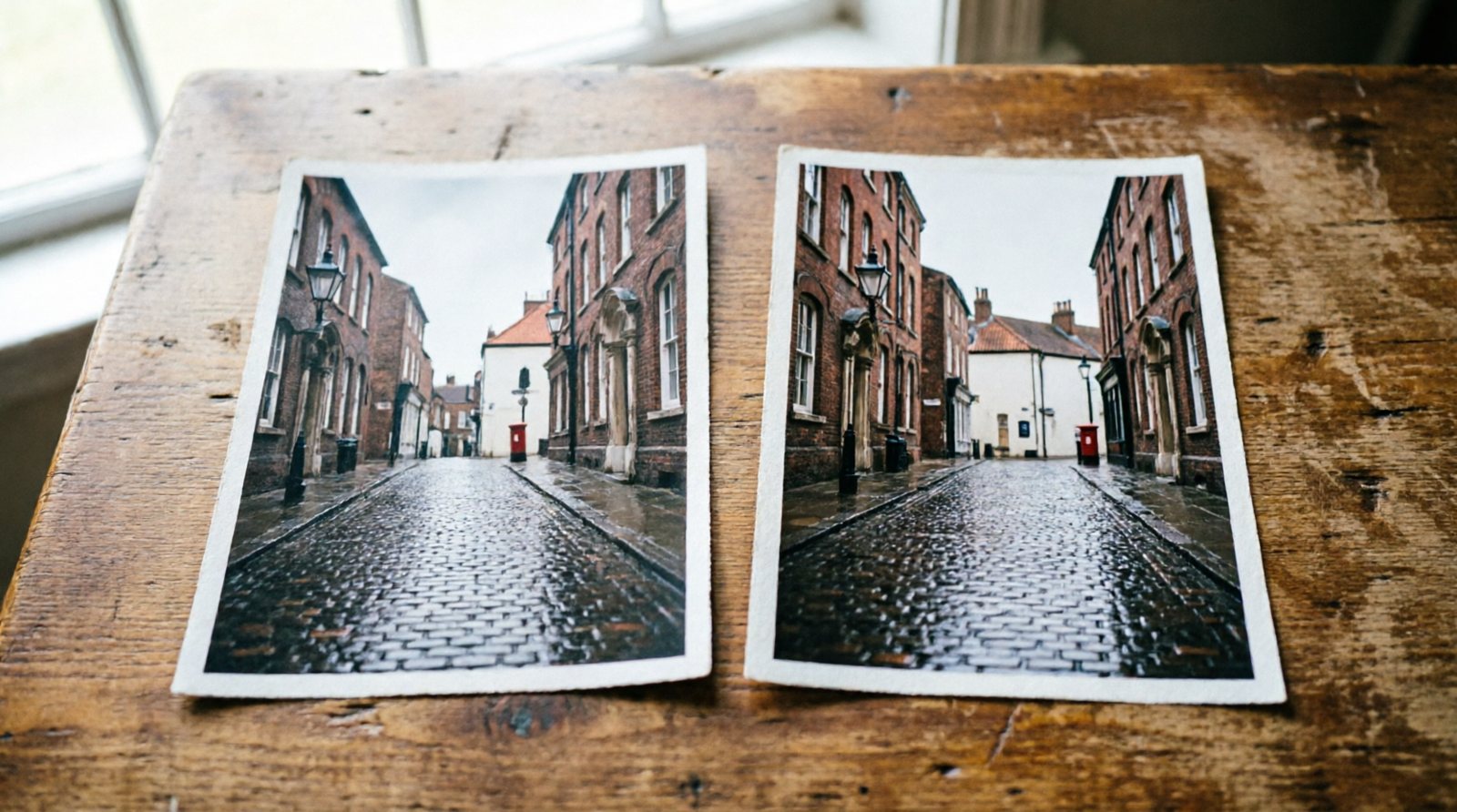
Use exposure or brightness controls to set the overall level of the photograph. Watch important highlights and shadows rather than trying to make every part of the image equally visible.
Contrast changes separation
Increasing contrast makes dark and light tones separate more strongly; reducing it brings them closer together. Too much can lose detail at both ends, while too little can make a photograph look flat.
Use targeted controls when needed
Highlights, shadows, whites and blacks let you adjust parts of the tonal range more selectively than one contrast slider. Make small changes and keep comparing with the original.