
Capturing HDR on your phone
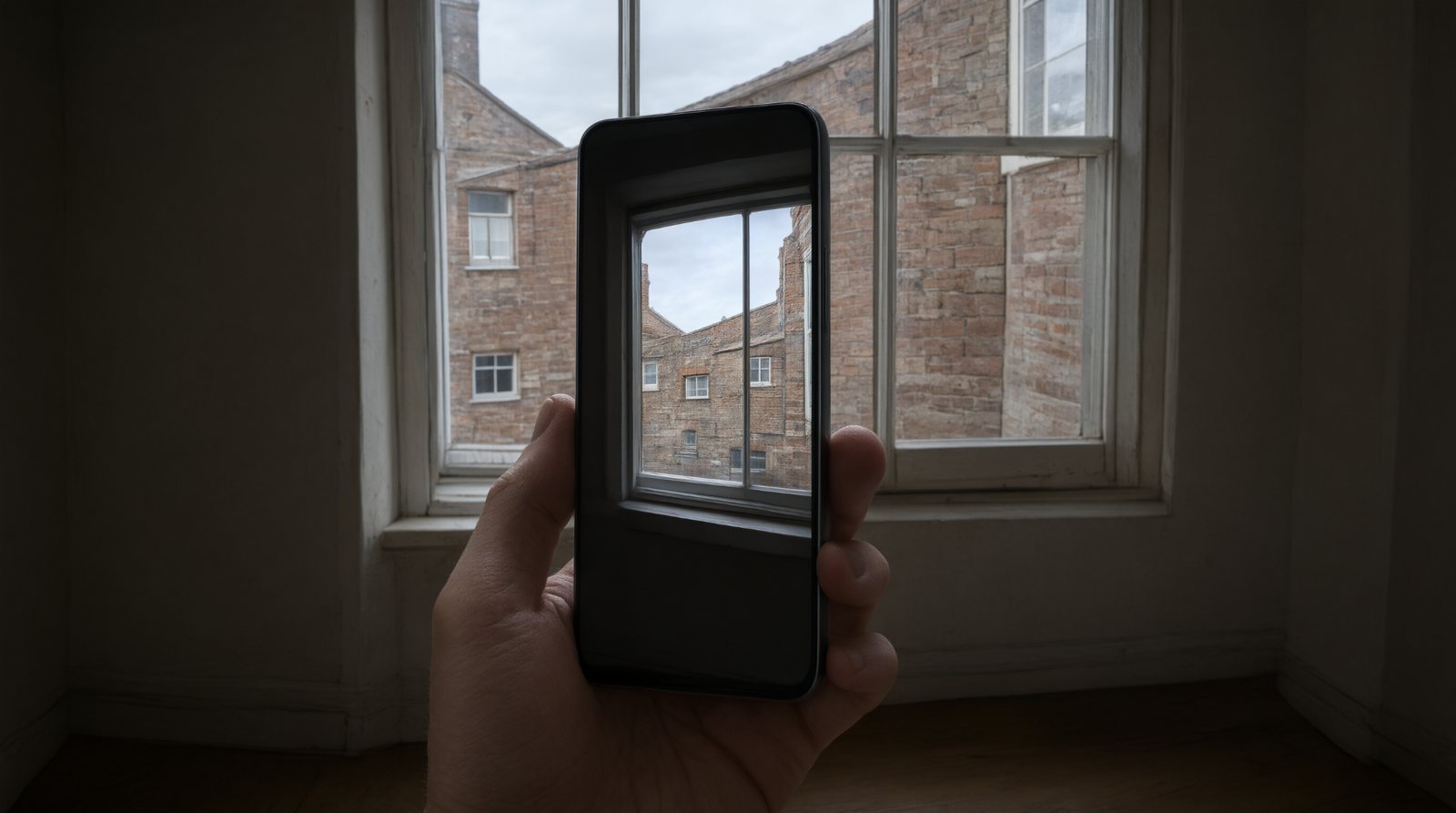
HDR stands for High Dynamic Range. It is used when a scene contains very bright and very dark areas that are difficult to record together. Modern phones often handle HDR automatically.
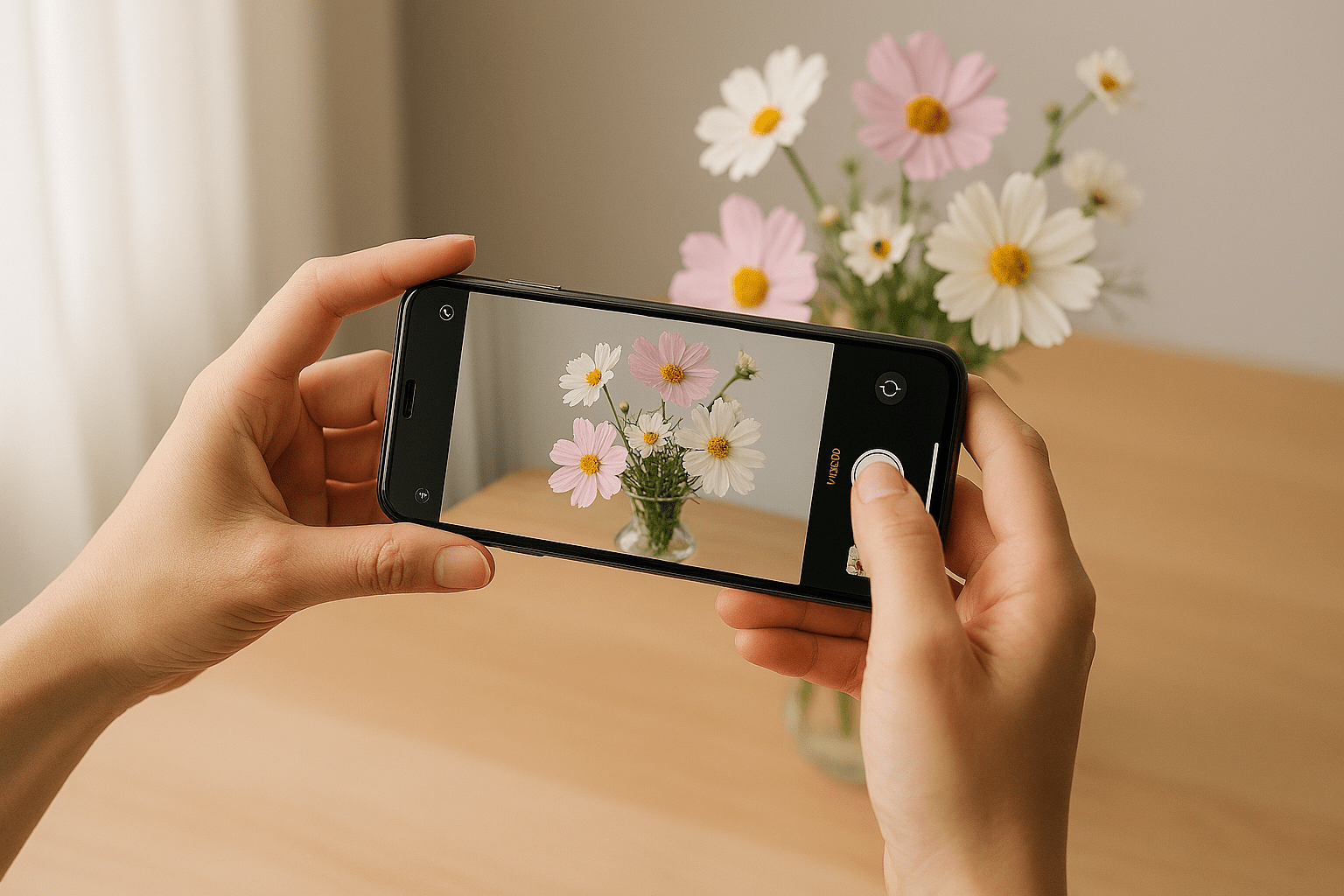
What HDR is trying to solve
A bright sky and a shaded foreground can exceed what a single straightforward exposure records cleanly. HDR processing combines or maps tonal information to retain more detail.
Automatic HDR
Many current phones decide when to use HDR without showing a separate switch. That is normal.
Hold reasonably still
Phones can align frames, but subject movement can still create odd artefacts. Give the phone the best chance by holding it steadily.
HDR is not a 'make everything dramatic' button
Good HDR can look completely natural. Excessive local contrast and saturation are stylistic processing, not a requirement.
Moving subjects complicate things
Leaves, waves, people and vehicles may move between component frames. Modern processing often handles this well, but not always.
Common mistakes
- Looking for an HDR switch that your phone no longer provides.
- Using HDR to rescue every badly lit scene.
- Expecting moving subjects to align perfectly.
- Judging HDR only by whether the picture looks more dramatic.
What you should be able to do before moving on
You should understand the problem HDR solves even if your particular phone performs the process automatically.
OPEN THE PRACTICAL