
Lesson 86 of 100
Converting to black and white
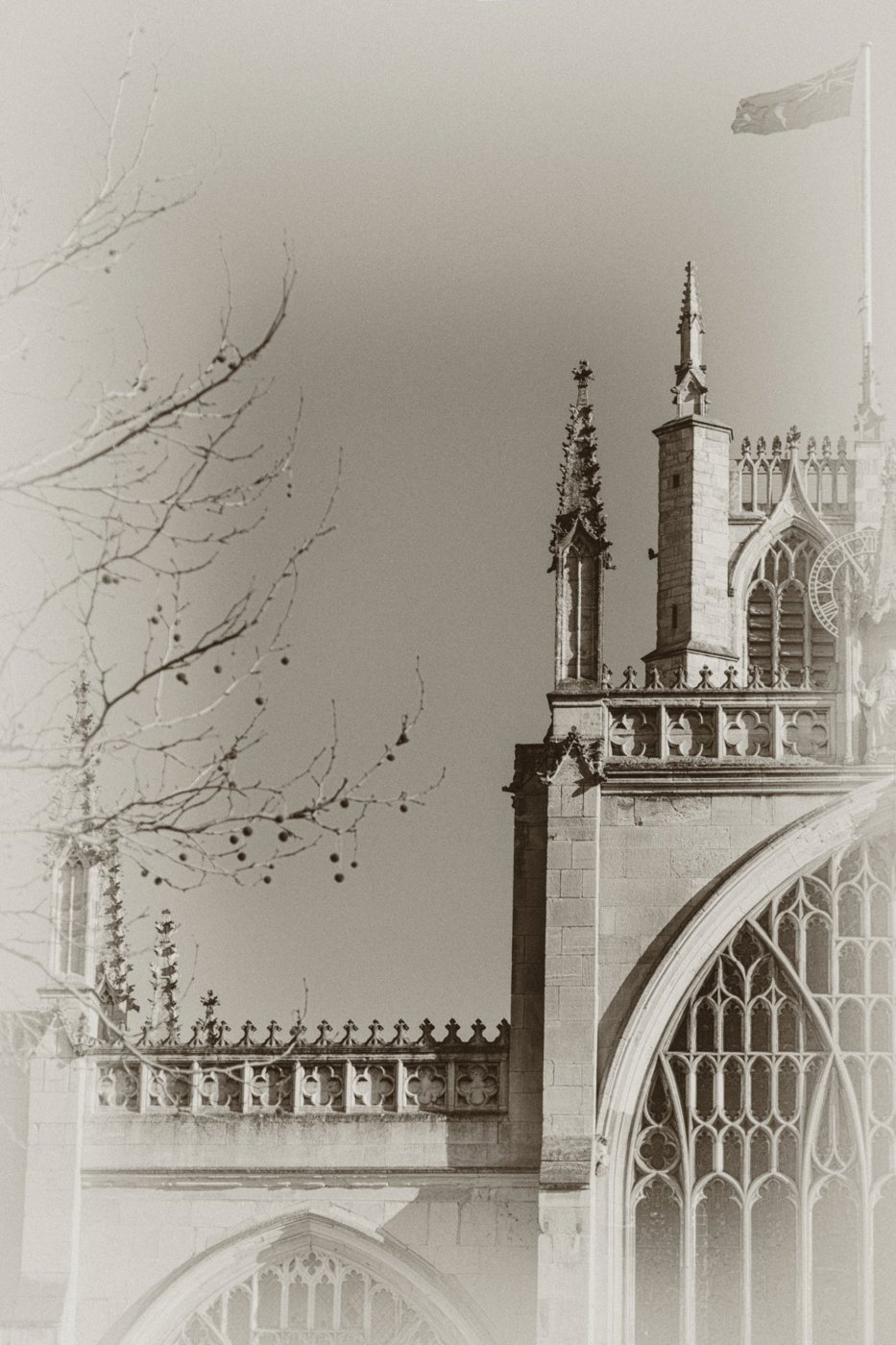

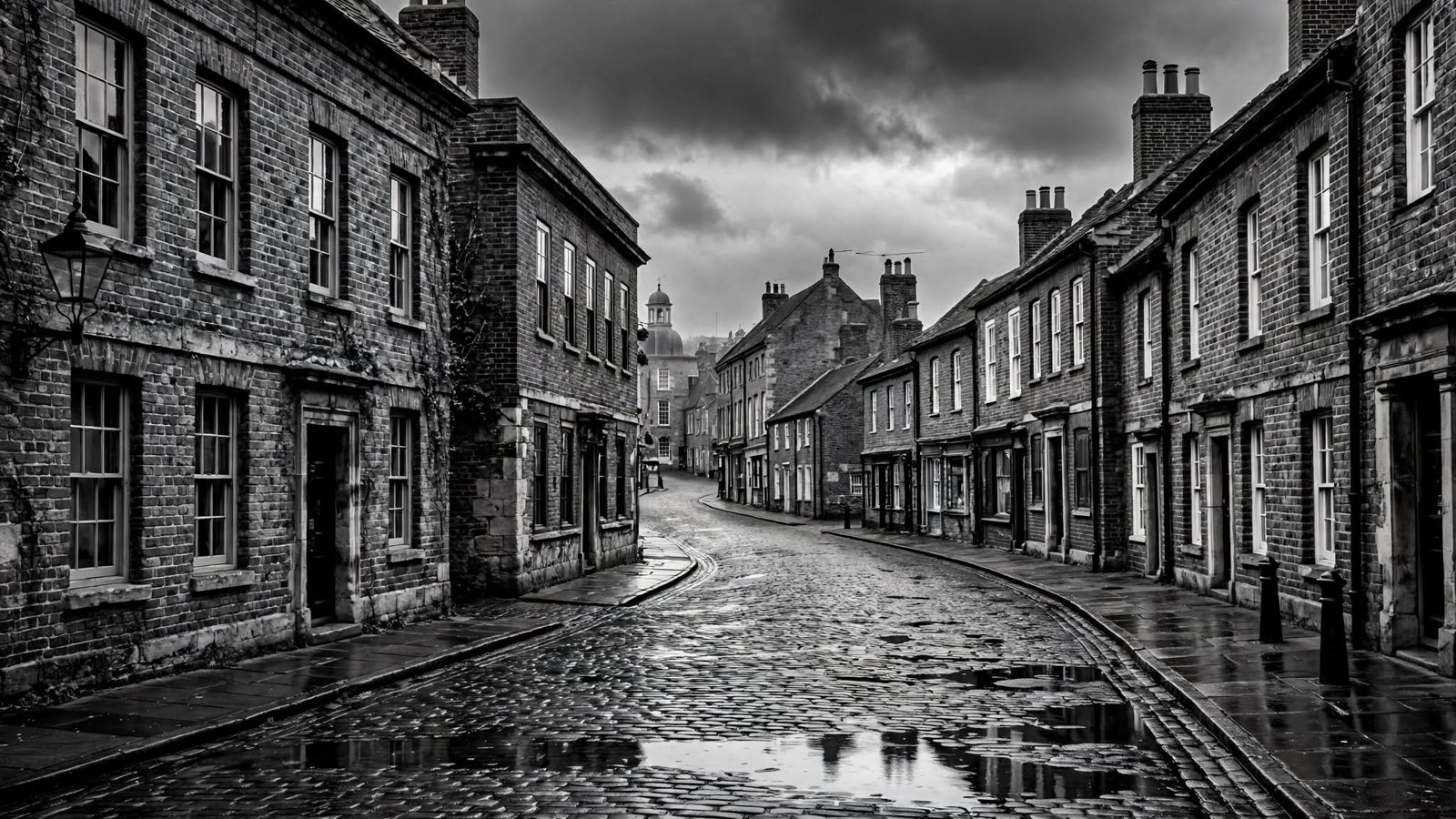
No prior knowledge needed. Keep your camera or phone beside you and try each control or idea as it appears. The aim is understanding, not memorising terminology.
Edit for a reason
Before moving a slider, decide what problem you are trying to solve. Straighten a tilted horizon, recover distracting brightness, correct colour, or crop something that weakens the frame. Random slider movement teaches very little.
Keep an original
Work non-destructively where your software allows it, or keep the untouched original file. You should always be able to return to the starting point.
Judge at sensible magnification
Some adjustments, especially sharpening and noise reduction, look very different at 100% compared with a small screen preview. Check both the detail and the whole photograph.