
Depth of field preview button
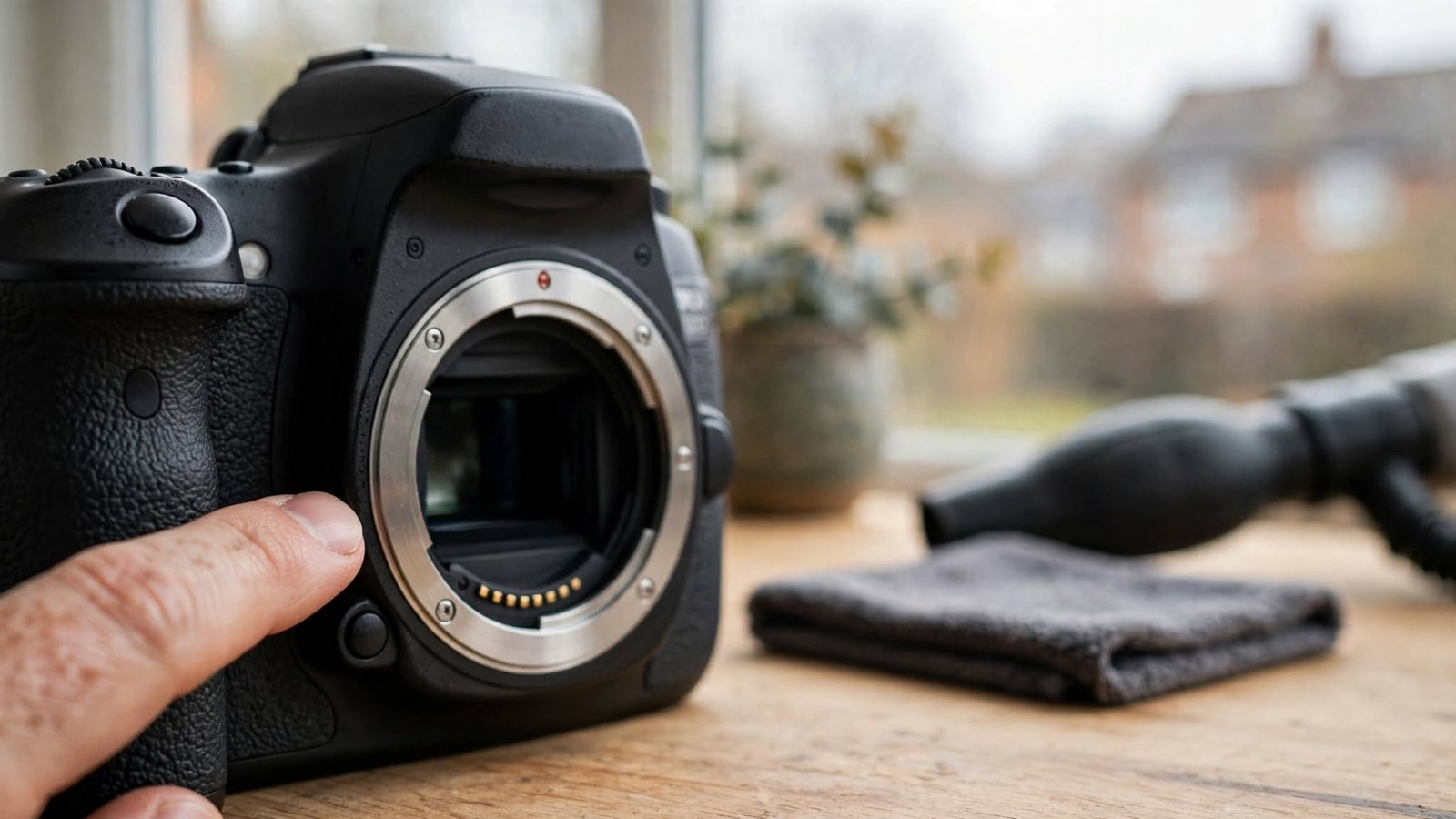
On cameras that have one, the depth-of-field preview button stops the lens down to the aperture you have selected so you can preview the approximate depth of field before taking the photograph.
Why the view may become darker
Many cameras normally hold the lens aperture wide open while you compose, then stop it down for the exposure. Pressing the preview button can therefore make an optical viewfinder darker at small apertures. That is expected.
Not every camera needs or has one
Mirrorless cameras and live-view systems may preview exposure and depth of field differently, and some cameras have no dedicated preview button. Check your manual before hunting for a control that may not exist.
What to look for
Ignore the overall darkness and look at which parts of the scene appear acceptably sharp. The effect is easiest to see with a near subject and a background at a clearly different distance.